Introduction
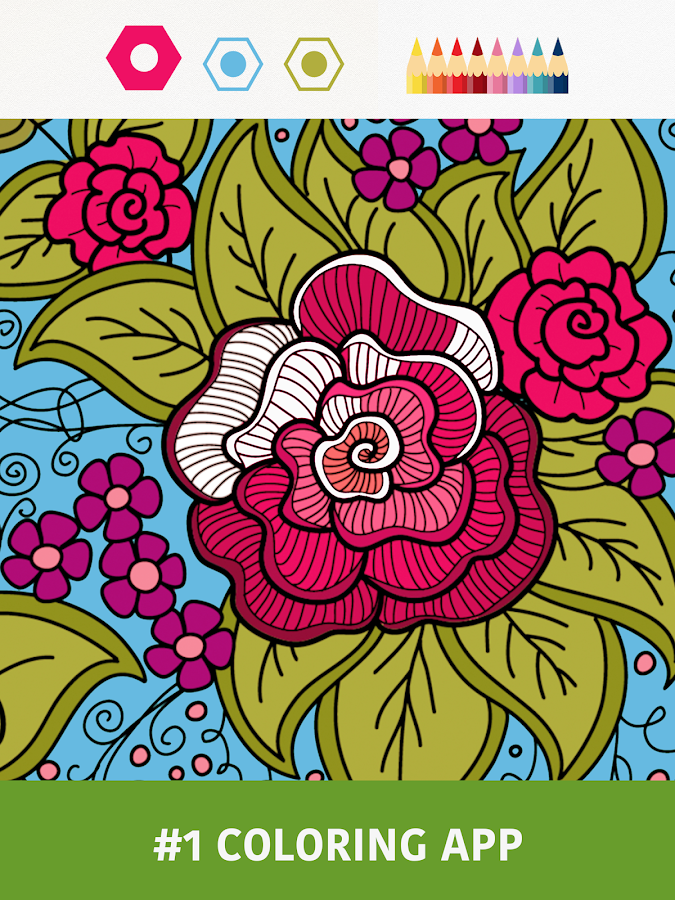
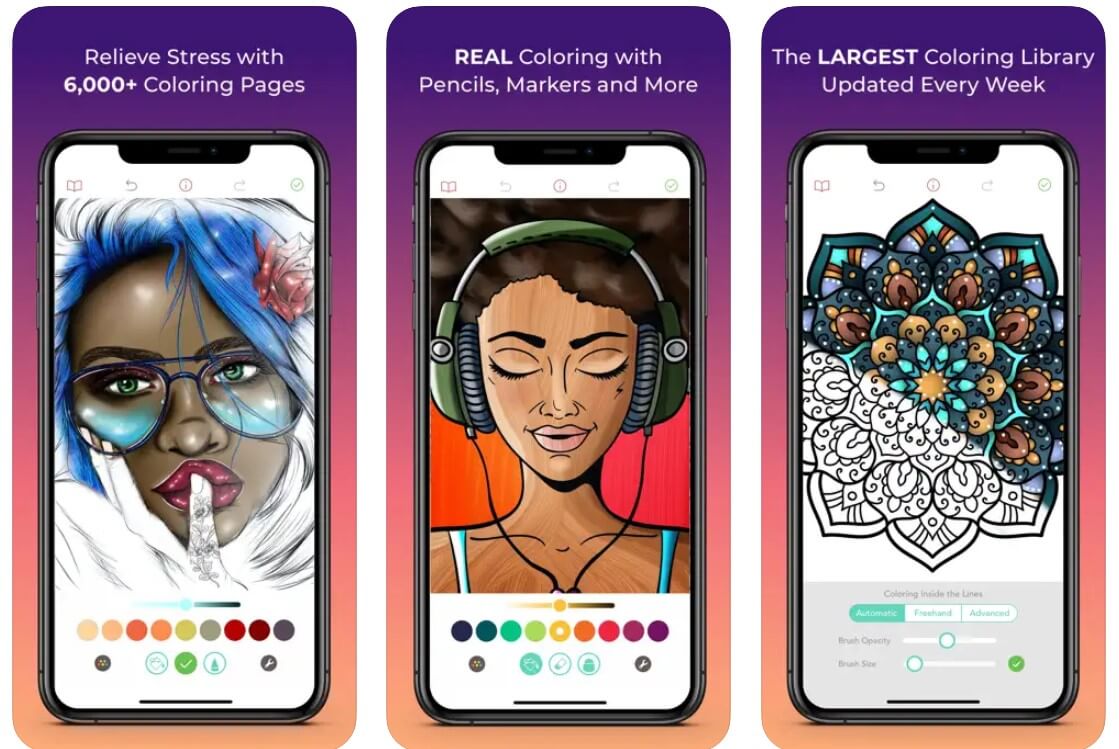
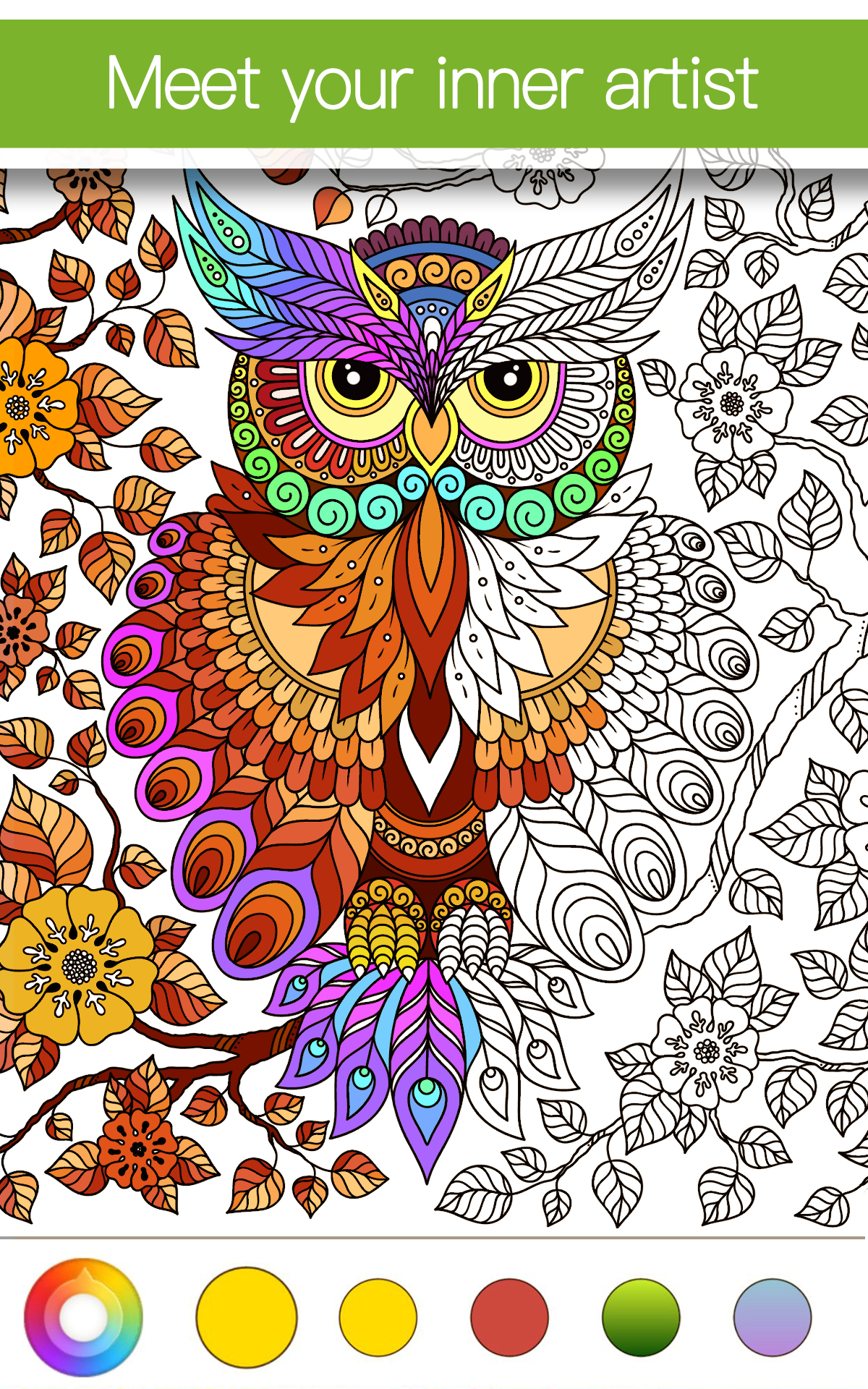
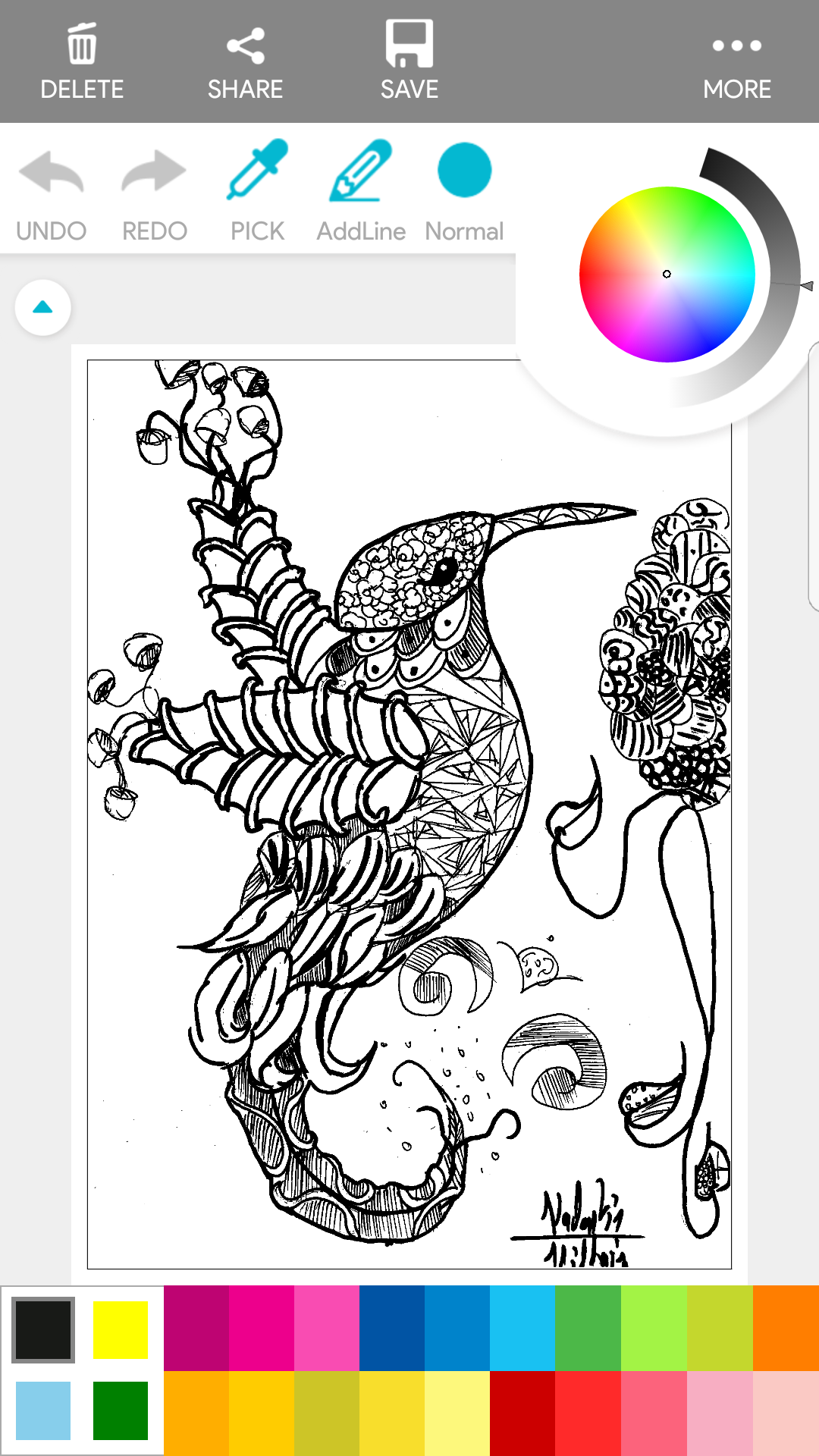
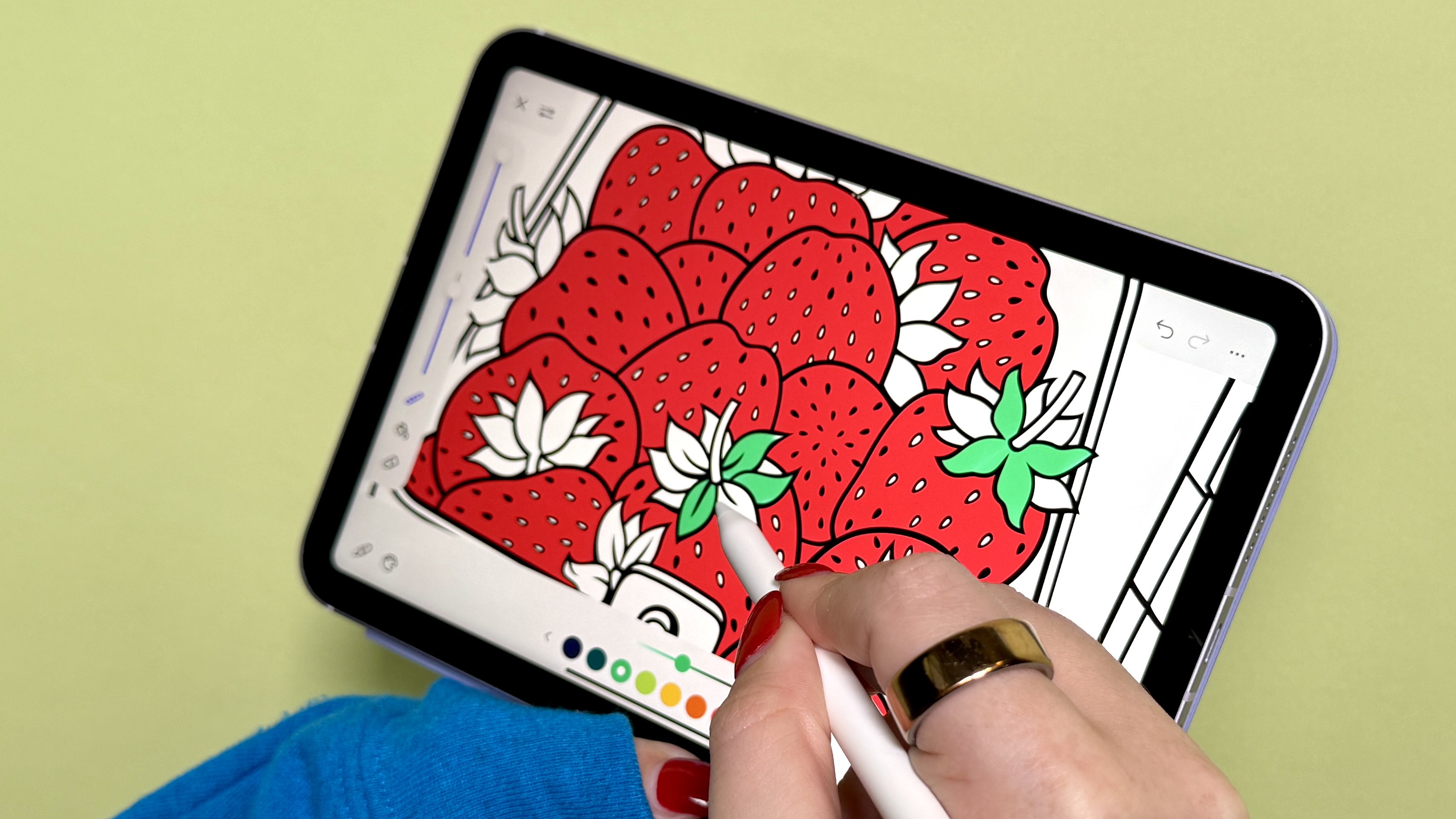
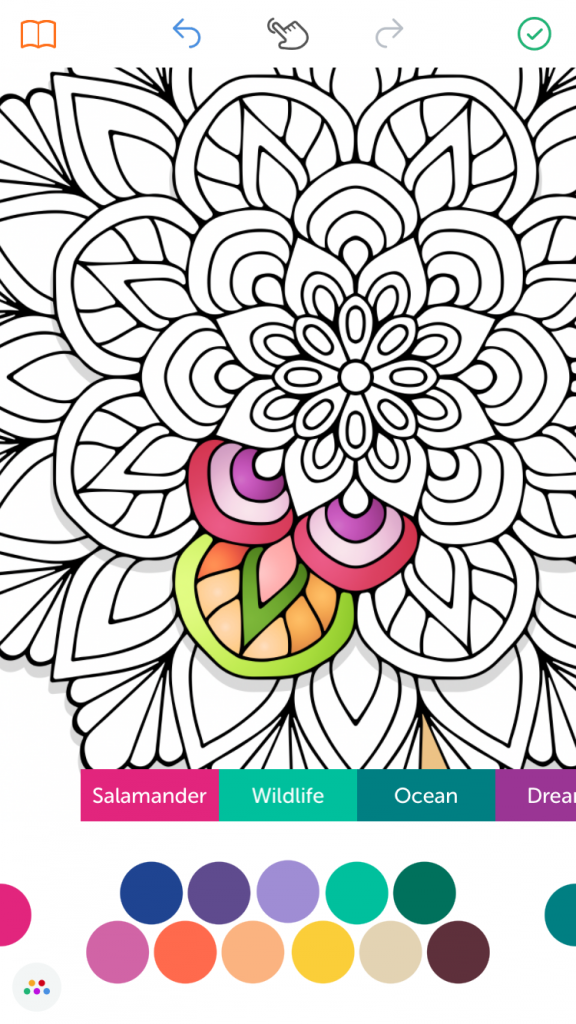
A coloring pages app functions as a digital portal to traditional visual arts, offering interactive line art that stimulates early cognitive processing and fine-motor control through screen-based stylus or touch manipulation. According to the National Association for the Education of Young Children (NAEYC), digital artistic tools effectively support young children’s representational thought when paired with guided physical media exploration. Far from replacing tangible materials, modern digital design platforms serve as an effective springboard for launching structured Coloring Pages sessions in hybrid early childhood classrooms and homeschool environments.
Visual Learning & Skill Snapshot:
- Core Focus: Bridging digital screen-based color applications with tactile offline execution.
- Target Skill: Spatial reasoning, visual discrimination, and digital-to-tangible motor transfer.
- Key Recommendation: Pair digital color experimentation sessions directly with physical printing and Art Activities to anchor spatial concepts.
Core Principles and Learning Overview
Digital painting applications leverage touch-based interfaces to build foundational hand-eye coordination before young learners transition to complex physical media. Direct answer: A coloring pages app provides structured, boundary-defined virtual canvases that teach children about spatial containment, color theory, and pattern recognition without the resource constraints of physical ink and paper waste. Educators utilize these platforms to introduce color wheels, contrast, and shading techniques in a controlled environment. By transitioning these digital concepts into tangible Drawing Worksheets, children solidify their grip strength, pressure regulation, and bilateral coordination.
Key Specifications and Breakdown
| Age / Learning Stage | Visual Skill & Ratio | Pedagogical Application & Scaffolding |
|---|---|---|
| Ages 3-4 (Early Preschool) | Primary boundary containment; 1:1 color-to-object ratio. | Utilize thick, simplified outlines to develop basic grasp and boundary awareness. |
| Ages 5-7 (Kindergarten / Grade 1) | Complex pattern recognition; intermediate shading ratios. | Incorporate multi-layered geometric shapes to encourage deliberate color planning. |
| Ages 8-10 (Early Elementary) | Advanced perspective; textured fills and gradients. | Transition from basic fills to dimensional Printable Crafts requiring precise cutting. |
Integrating digital visual tools with tangible art practices significantly enhances spatial working memory and fine motor precision in early childhood learners. — National Art Education Association (NAEA)
Step-by-Step Practical Application and Guidelines
Implementing a coloring pages app effectively requires a deliberate pedagogical workflow that balances screen time with offline tactile art creation. Direct answer: Educators should introduce digital line art to demonstrate color combinations, follow with physical printouts for pencil and crayon mastery, and conclude with three-dimensional construction projects. Begin by having learners explore a digital palette to experiment with complementary hues. Next, print out matching offline outlines to practice physical wrist rotation and pencil pressure control. Finally, reinforce spatial reasoning by turning finished designs into physical cut-and-paste classroom displays.
Common Challenges and How to Avoid Them
Over-reliance on automated “fill-bucket” digital tools can occasionally stunt physical fine-motor development and inhibit careful pencil control if not carefully regulated. Direct answer: Prevent motor skill regression by limiting automated digital painting and enforcing alternating schedules where children replicate digital color choices onto high-resolution physical worksheets using colored pencils or wax crayons. Teachers must ensure that digital prompts do not replace the tactile friction required to build intrinsic hand strength. Monitoring screen brightness and setting strict time boundaries also prevents visual fatigue during extended creative sessions.
💬 Frequently Asked Questions
Conclusion and Next Steps
Integrating digital innovation with traditional art education creates a balanced, highly engaging environment for developing young minds. Educators and parents can successfully scaffold artistic confidence by bridging screen-based visual exploration with high-quality tactile learning materials. Explore the extensive collection of Coloring Pages at ColorLeaf Studio to support creative growth today.
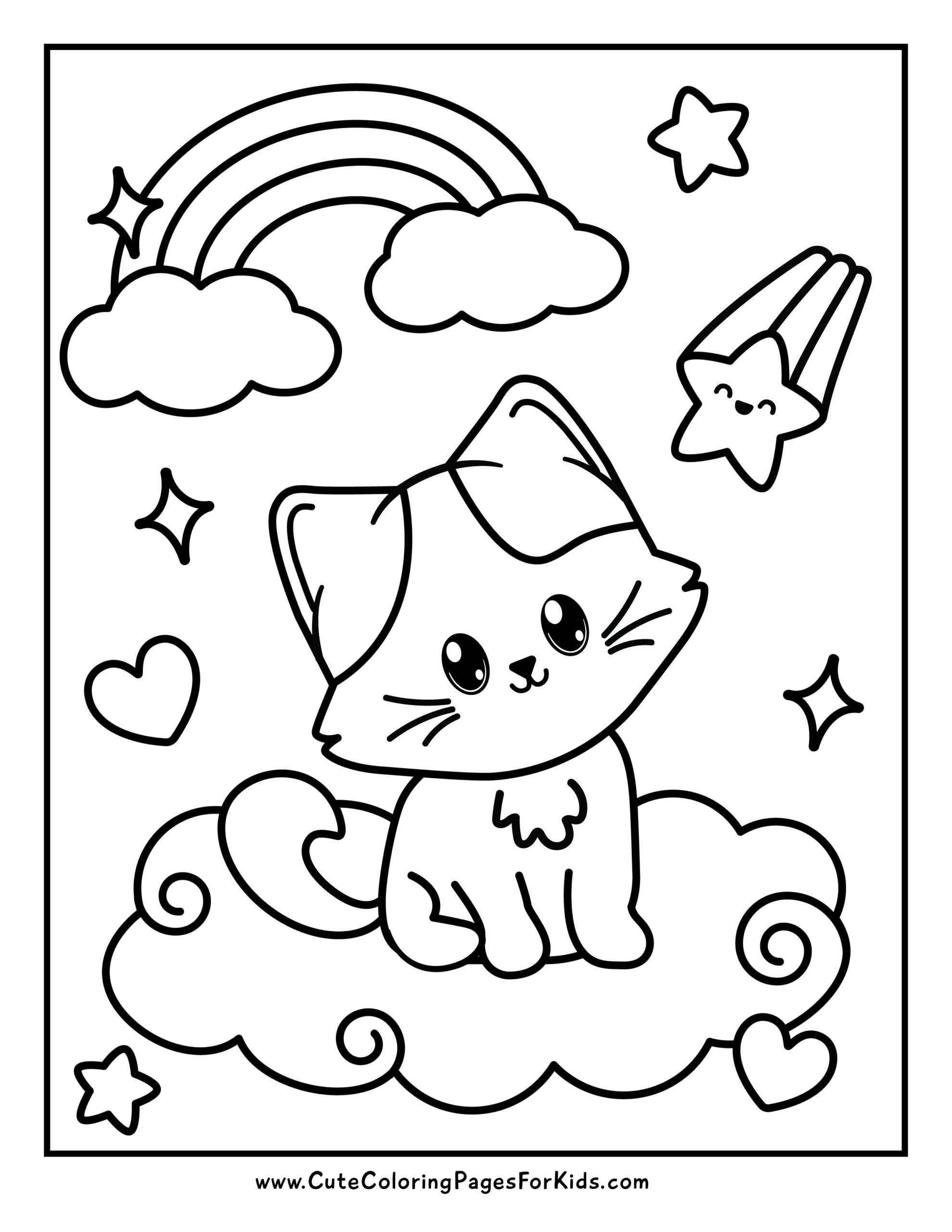
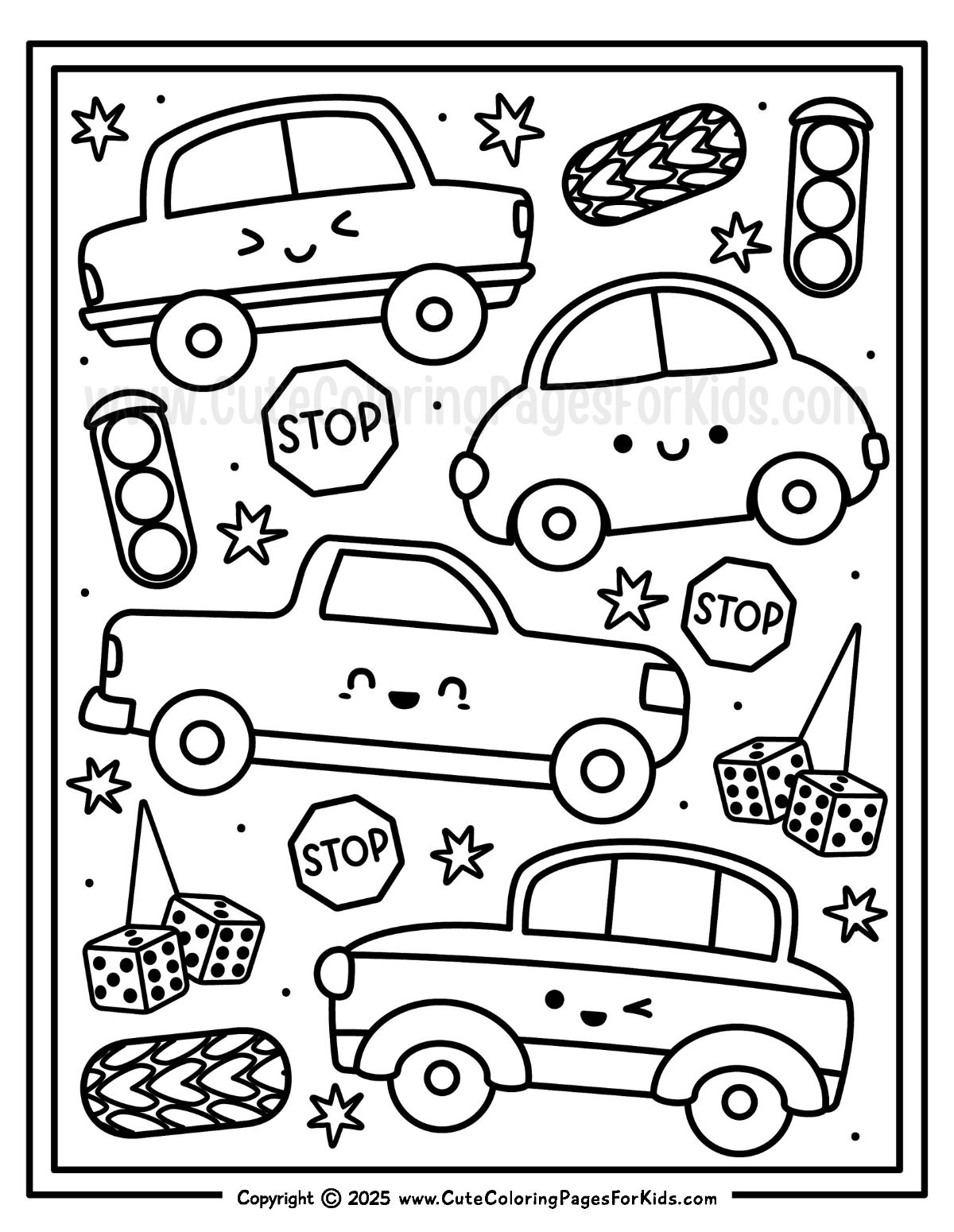
Printable Coloring Page Previews